Sign in, register, or reset your password
The identity service must be available. Registration and email reset depend on its configuration.
Updated: 2026-11-06
Status: draft content. Full workflow verification and key-step screenshots are pending.
Updated: 2026-11-06. Purpose: Sign in, register, or reset your password。
Roles
所有访问者 / All visitors
Before you start
The identity service must be available. Registration and email reset depend on its configuration.
Entry: /login
Steps
Open the sign-in page. Choose the language and appearance at the top right.
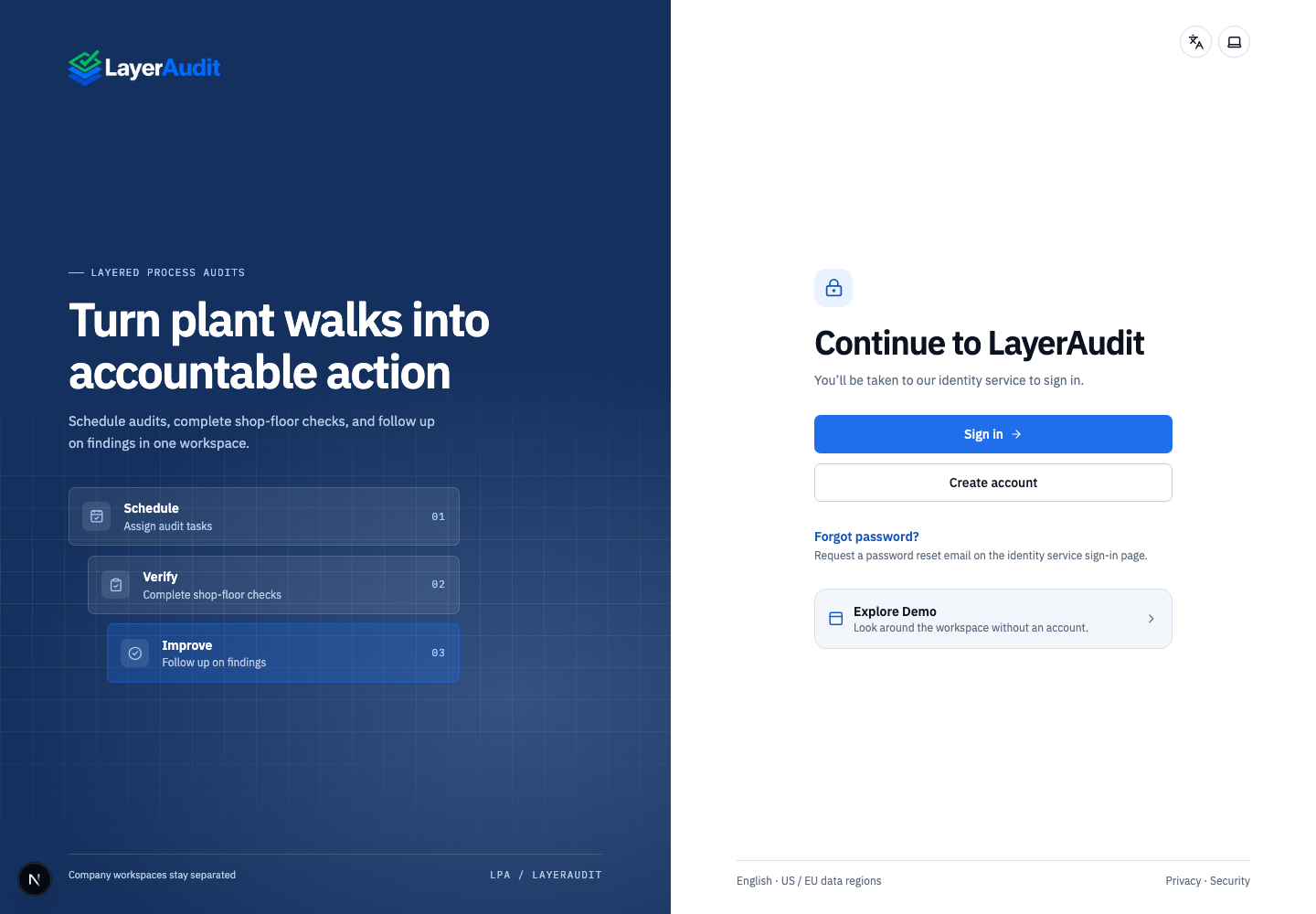
Real local read-only demo; UI language: en · entry。
Choose Sign in for an existing account, Create account for a new one, or Forgot password? to request a reset in the identity service.
Complete authentication to return to the workspace. If sign-in fails, read the message above the button and start again.
Expected result
Successful authentication returns you to the workspace or your original page.
Notes
Only the entry page was verified in this run; registration, email and third-party sign-in were not.