
Plan · Schedule the audits
Define the process, audit criteria, management layers, owners, and frequency.
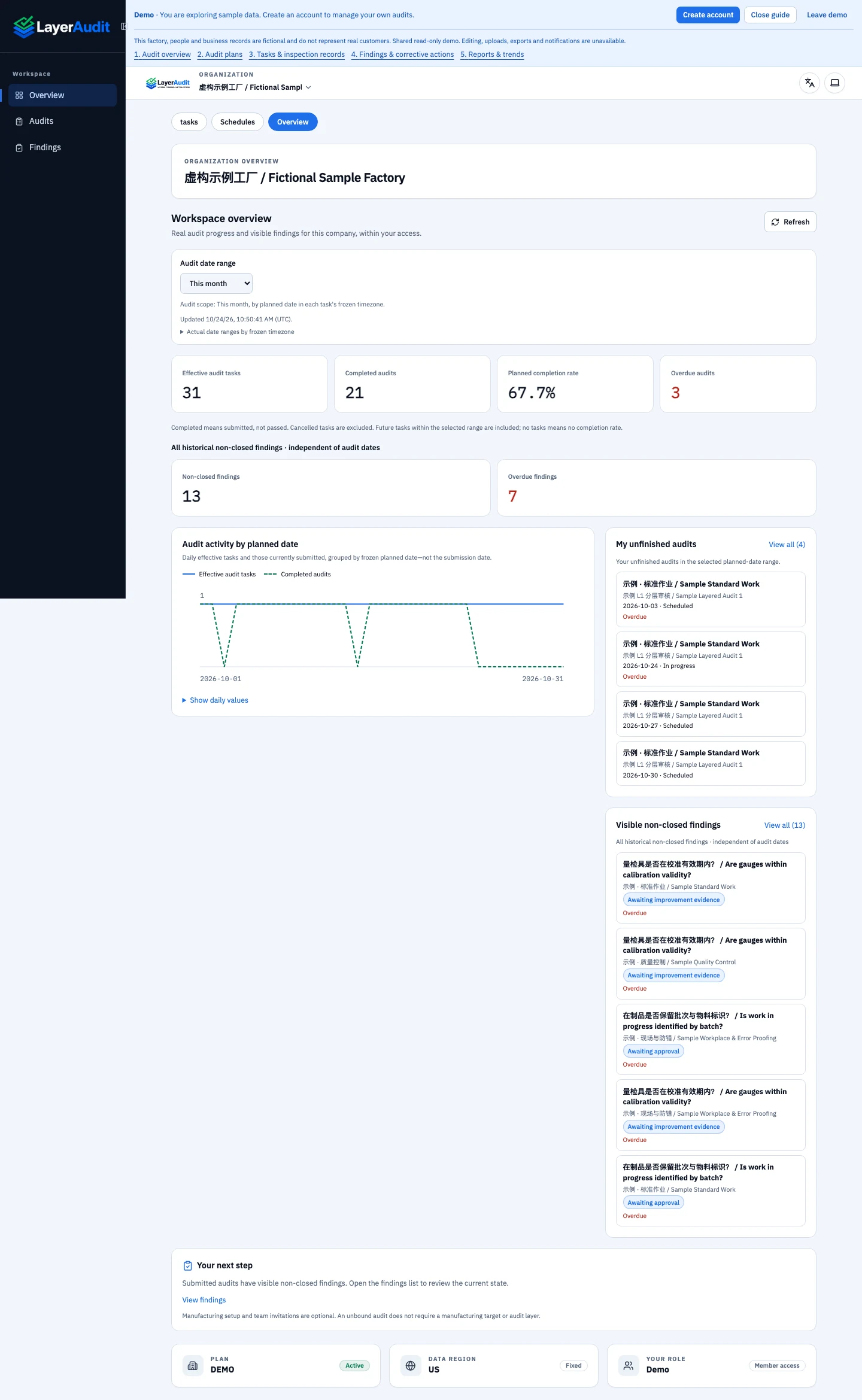
Schedule recurring layered process audits, run digital checklists on the shop floor, and follow corrective actions in LayerAudit.
Use each audit cycle to check how work is performed and improve the next one.
Define the process, audit criteria, management layers, owners, and frequency.
Use the digital checklist at the workstation and capture the evidence.
Compare the evidence with the criteria. Review missed checks and recurring findings.
Assign corrective actions, verify their effectiveness, and update the checklist or schedule as needed.
A layered process audit (LPA) is a recurring check that a work process is being followed as defined. Different management levels take part, using process-specific questions to verify how work is performed on the shop floor.
LPA software supports the routine around those checks: scheduling audits, assigning tasks, maintaining digital checklists, recording findings, and tracking corrective actions. Your team defines the audit questions, management layers, frequency, and review process that fit its operations.
Start with a control that two auditors can observe the same way. Track coverage by management layer and shift. Review recurring findings separately from audit completion so the team can see whether corrective actions changed the process.
Maintain questions for the processes you need to check. Keep checklist execution and recorded findings in a shared digital workflow.
Carry out checks where the work happens. Use digital checklists at the point of work and record findings within the audit workflow.
Use audit results and reports to review your LPA program, discuss findings, and follow corrective-action progress.
Organize LPA checklists, review nonconformities, and keep corrective-action follow-up connected to your audit program.
Coordinate checks around production processes and bring shop-floor findings into the follow-up discussion.
Define audit responsibilities across management layers and review progress across the teams involved.
Coordinate audit plans and follow-up across manufacturing locations, keeping each site part of the same audit program.
Bring the people responsible for planning, checks, and follow-up into a shared audit workflow.
Support teams working across languages. Confirm the product interface languages your team needs before rollout.
Coordinate recurring process checks across production teams and management layers, from individual processes to multiple factories.
Connect process-specific checks with nonconformity records and corrective-action follow-up in your audit routine.
Give quality managers, production managers, and audit supervisors a shared place to plan audits and review findings.
LPA stands for Layered Process Audit. It involves different levels of management in recurring checks of work processes. Software supports the planning, execution, finding records and follow-up around that audit routine.
Layered process audit software helps teams schedule recurring checks across management levels, run digital checklists, record findings, and track corrective actions. LayerAudit brings these steps together for manufacturing quality and production teams.
LayerAudit is designed for manufacturing quality and operations teams, including automotive manufacturers, automotive suppliers, quality managers, production managers and audit supervisors.
Multi-factory and multi-tenant management are part of the LayerAudit product scope. Discuss your locations, management layers and audit responsibilities when defining the rollout.
LayerAudit supports multilingual use. The languages published on this marketing website and the languages available in the SaaS interface are separate; confirm the interface coverage required by your team.
Start with a factory or process, your current LPA checklist, the management layers involved, and the audit frequency. Define who performs each check and who follows up on findings, then use these requirements to set up your audit workflow.
Published by LayerAudit
Start with one production line and one repeatable process control. Give each management layer a named owner, a frequency, and an observable question. During the pilot, have auditors perform the same check on two shifts and record a finding against the originating task.
Review coverage and corrective-action closure separately. A completed audit can still have an open finding. Before scaling, confirm who reviews missed audits, who can close a finding, and how the next check verifies the correction.
See how LayerAudit connects layered audit plans, shop-floor checklists, findings, and corrective-action follow-up for your manufacturing team.