Read the quality overview and investigate risks
Select an organization. Metrics reflect your access scope.
Updated: 2026-11-06
Status: verified in the local read-only demo in both UI languages; screenshots reviewed.
Updated: 2026-11-06. Purpose: Read the quality overview and investigate risks。
Roles
有工作台访问权限的成员 / Members with overview access
Before you start
Select an organization. Metrics reflect your access scope.
Entry: /
Steps
Open Overview and select Today, This week, This month or Custom dates under Audit date range.
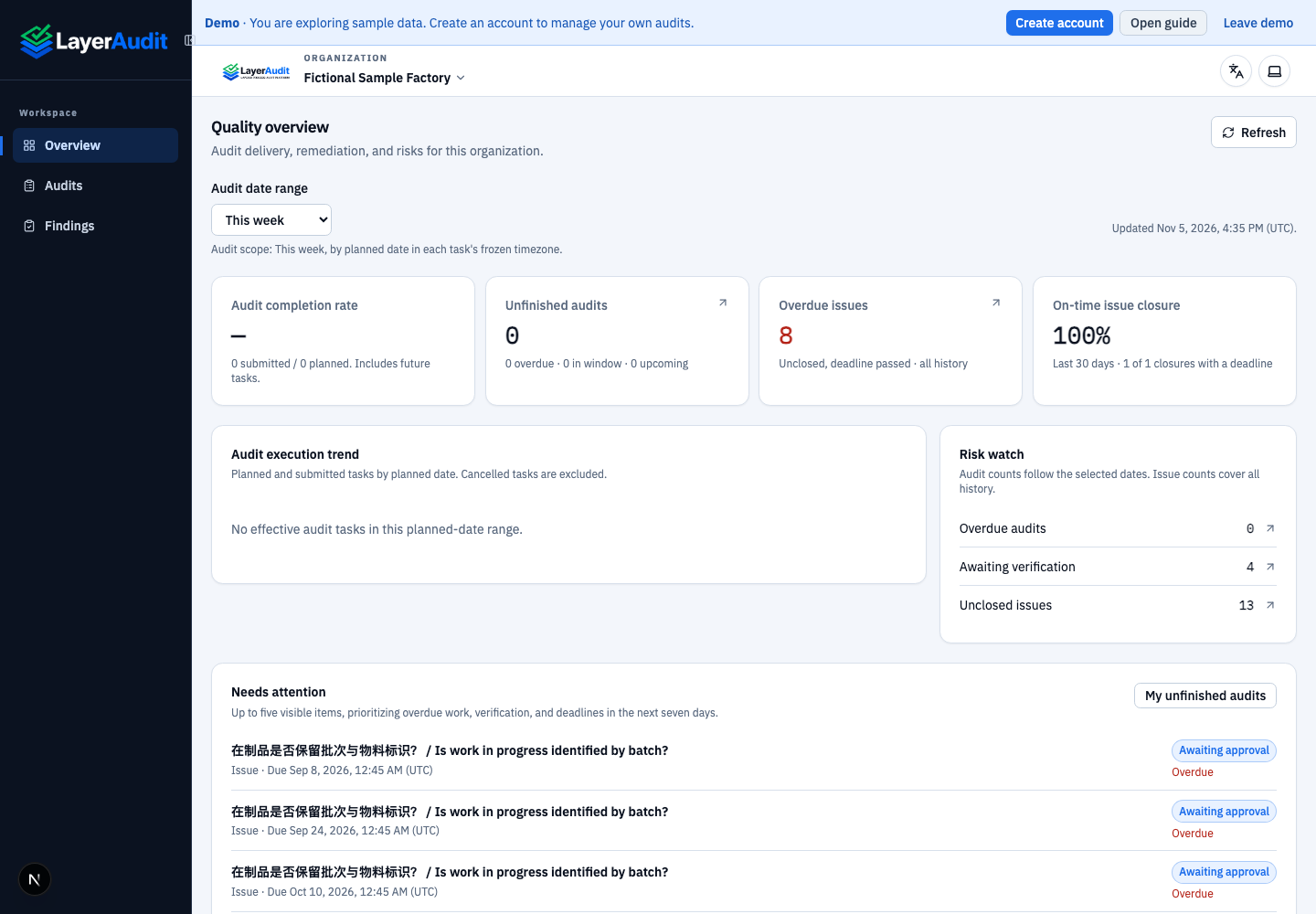
Real local read-only demo; UI language: en · filter。
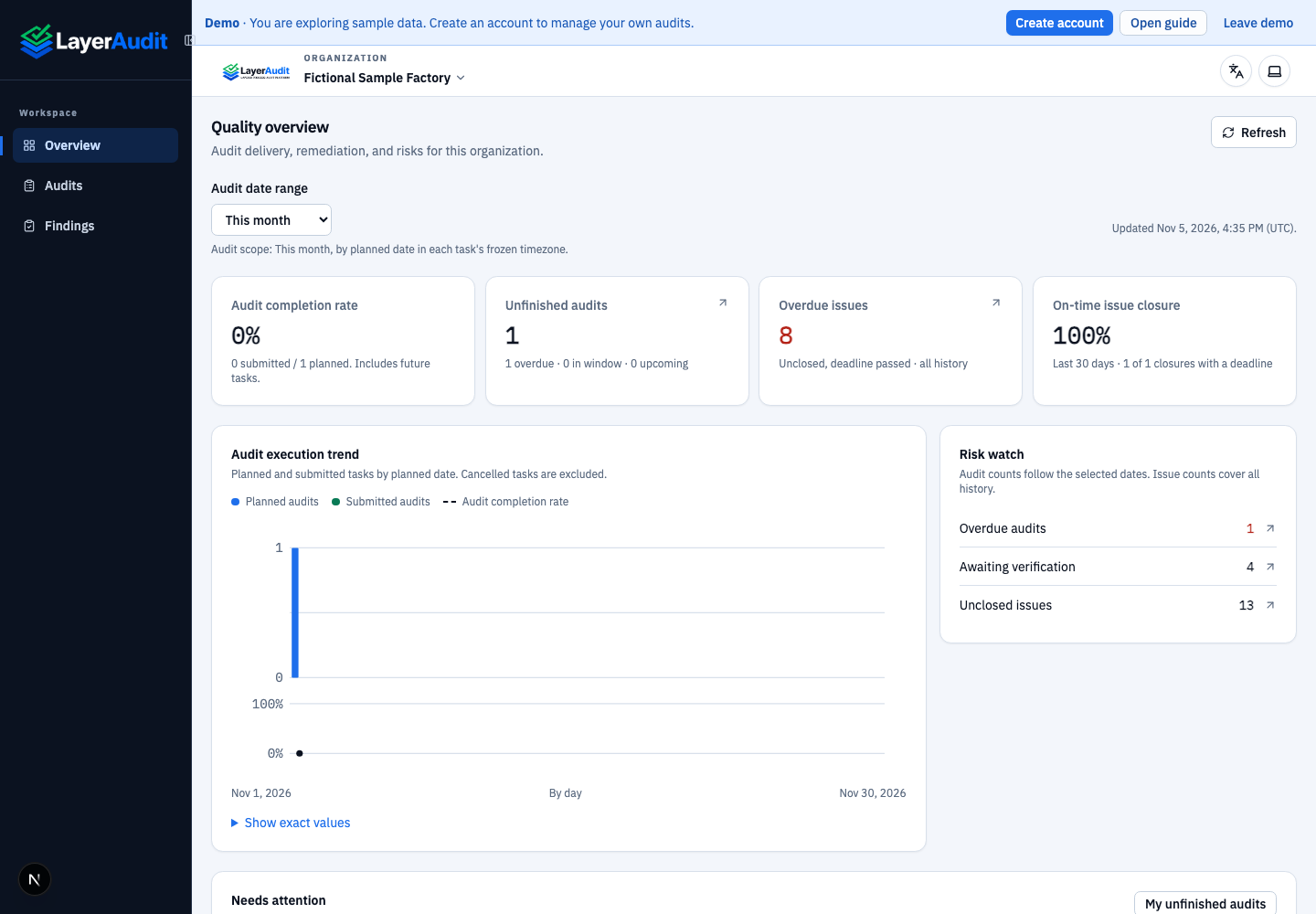
Real local read-only demo; UI language: en · entry。
Review completion rate, outstanding audits, overdue open findings and on-time closure rate. Inspect trend values.
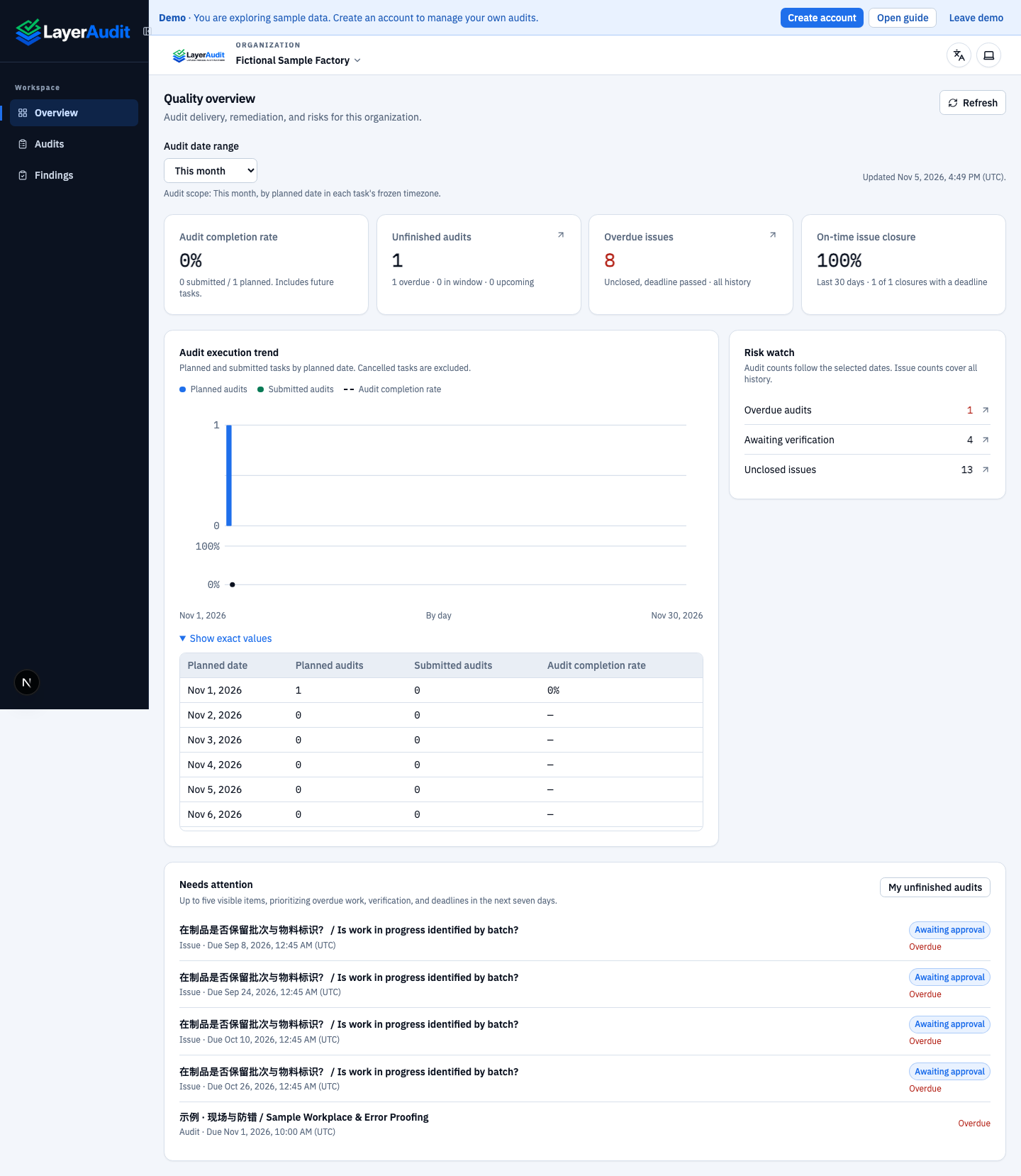
Real demo: exact trend values。
Open risk rows or priority items to inspect tasks or findings. Refresh to update the data.
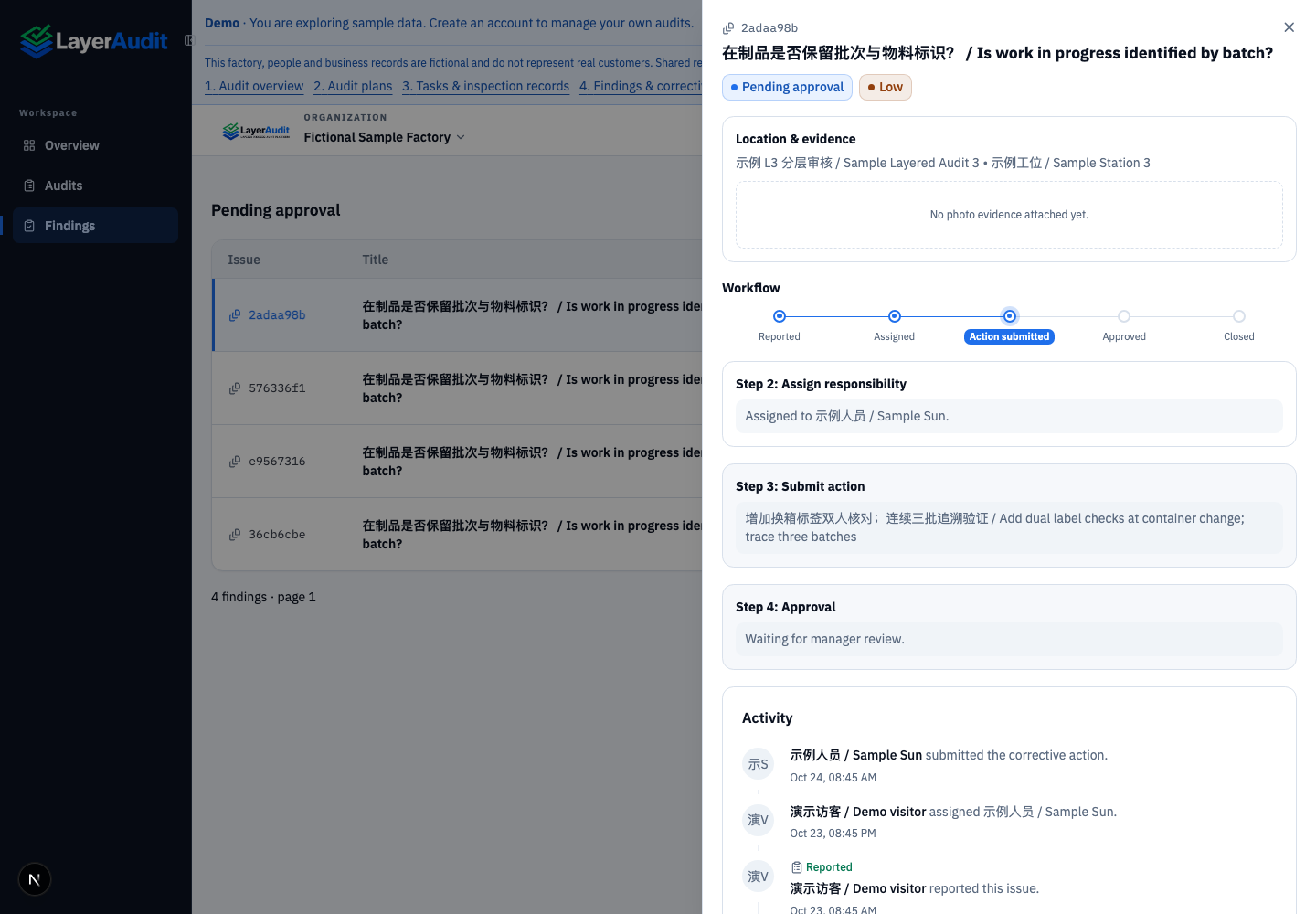
Real demo: risk drill-down details。
Expected result
You can investigate current risks without changing business records.
Notes
Custom ranges allow at most 366 days. Audits use planned dates, findings cover all history, and closure rate uses closures in the last 30 days.